Block intrusive ads
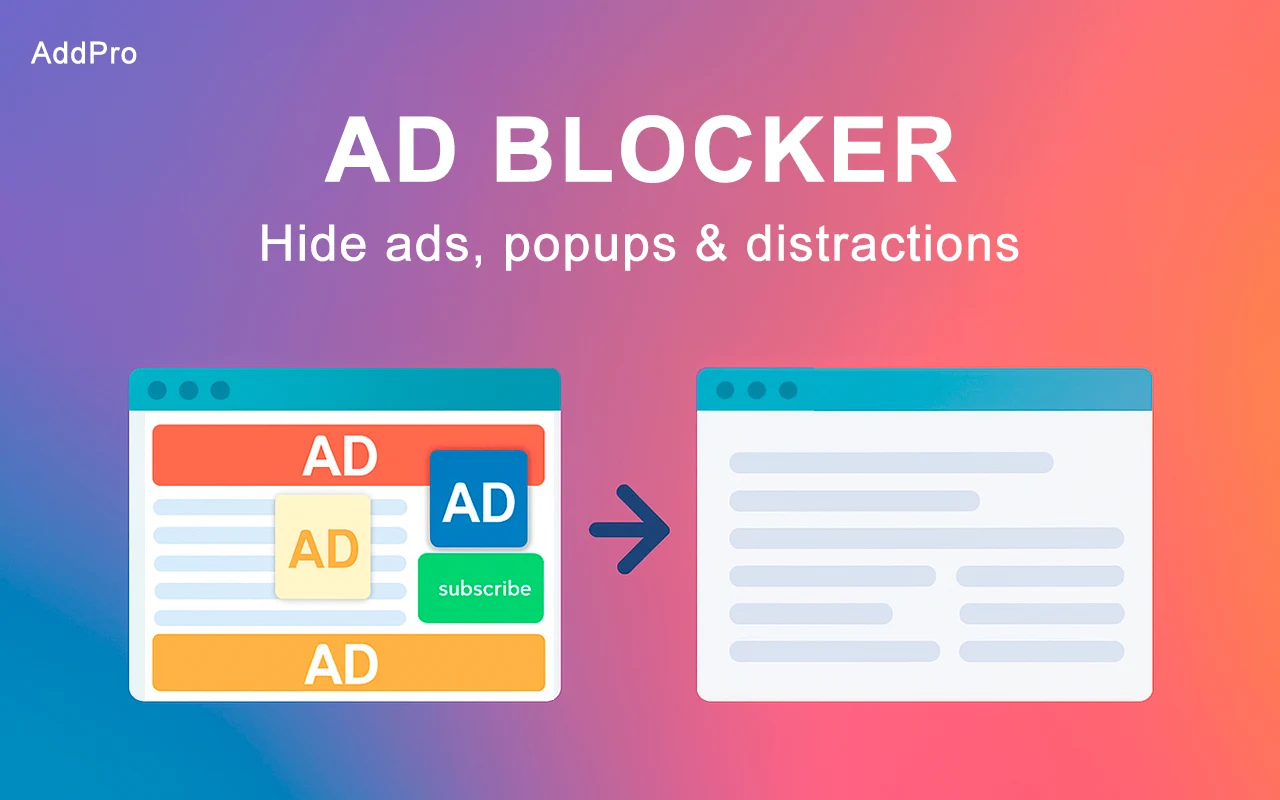
Remove common banners and ads so you can read the page with fewer distractions.
AddPro Ad Blocker removes intrusive ads and popups and blocks common trackers, so pages are easier to read and use.
Install from the Chrome Web Store and control protection for each site.
 ProtectionOn
AddPro Ad Blocker works in the background to block common ads, popups, and trackers.
Remove common banners and ads so you can read the page with fewer distractions.
Block popup windows and distracting overlays while you browse.
Block common scripts that track browsing activity across websites.
Pause blocking for the current site in one click.
AddPro Ad Blocker starts blocking automatically after installation. Pause it for a site whenever you need an exception.
Open Chrome Web StoreOpen AddPro Ad Blocker in the Chrome Web Store and confirm installation.
AddPro Ad Blocker blocks ads, popups, and common trackers as pages load.
Click the AddPro Ad Blocker icon to pause protection for a specific site.
Use the AddPro Ad Blocker icon to pause blocking on the current site. Other websites keep their existing protection.
Every plan includes all free features and enhanced ad filtering.
$3 /month
Pay monthly.
Best Value
$21 /year
Save 42% compared with monthly.
$39 one-time
Pay once, use forever.
Yes. Once installed, AddPro Ad Blocker begins blocking common ads, popups, and trackers while you browse.
Click the AddPro Ad Blocker icon in your Chrome toolbar, then switch protection off for the current site. The change takes effect immediately.
AddPro Ad Blocker blocks most standard ads, popups, and common trackers. Some newer or unusual ad formats can still get through.
Some pages load faster when fewer ads and tracking scripts need to run.
The current data-use disclosure is available in the Privacy section of AddPro's Chrome Web Store listing.
Email our support team with questions about AddPro Ad Blocker.
Include the website address if you're reporting a blocking issue.
support@addproblocker.com
AddPro Ad Blocker for Chrome
Get AddPro Ad Blocker from the Chrome Web Store. You can pause blocking for individual sites.
Add to Chrome